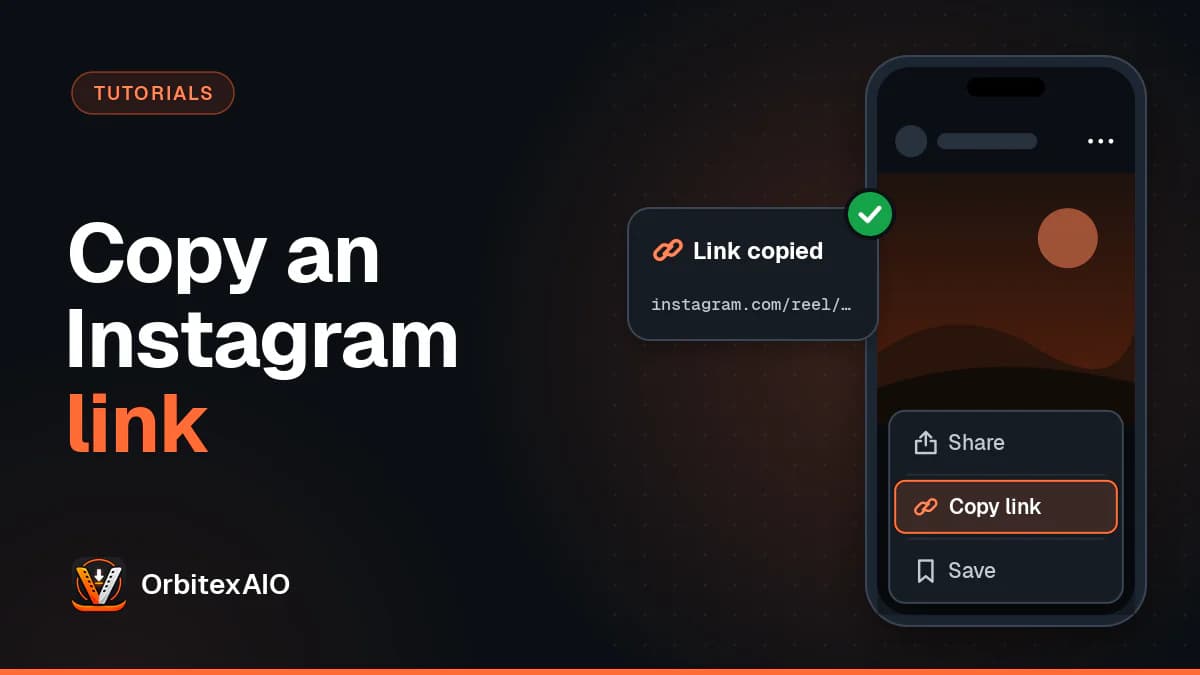
Instagram gives every public post and Reel a permanent link, but it puts the option to copy that link in a different place depending on what you are looking at and which app you are using. Here is where it lives.
In the Instagram app
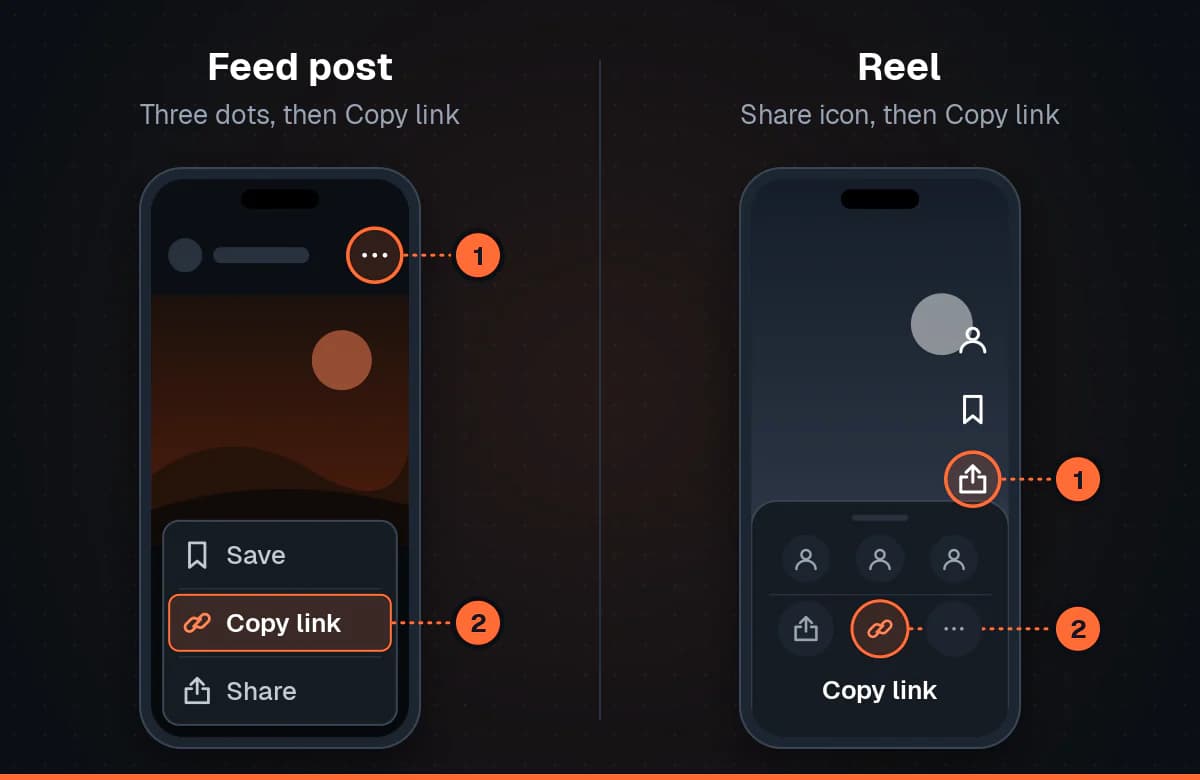
For a normal post in your feed, the three dots at the top right of the post open a menu with a Link or Copy link option. Tapping it puts the URL on your clipboard and shows a short confirmation.
For a Reel, the layout is different. Use the share icon on the right side of the screen - the paper plane - and then pick Copy link from the row of options along the bottom of the share sheet. It sits alongside the buttons for sending the Reel to specific people, which is why it is easy to miss.
Note: Note
If you only see options for sending the post to friends and no Copy link, the account is private. Private posts have no public URL.
On the Instagram website
On a computer this is simpler. Open the post so it fills the page and the address bar already shows the exact link you need - you can select and copy it directly. If you would rather use the menu, the three dots below or beside the post have a Copy link entry that does the same thing.
Copying from the address bar while the post is only shown as a preview overlay on a profile page can give you the profile URL instead. Click into the post first so the page navigates properly.
What the link is telling you
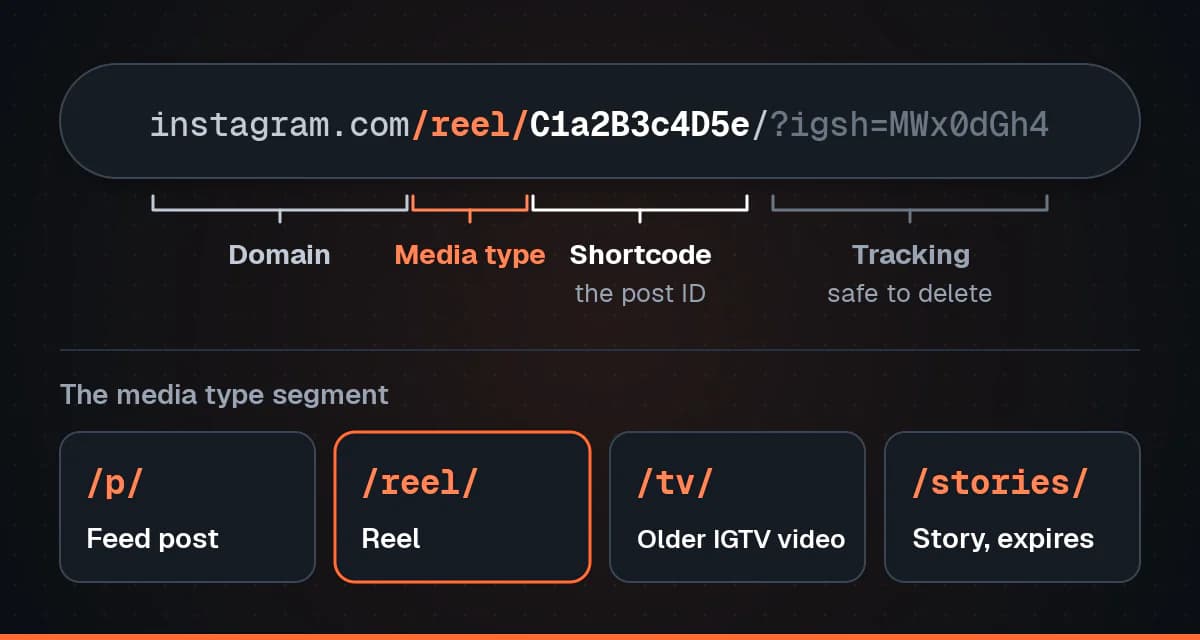
Instagram URLs follow a small number of shapes, and the segment after the domain tells you what kind of media you have:
- /p/ - a standard feed post, which may be a photo, a video, or a carousel of several items.
- /reel/ - a Reel.
- /tv/ - an older IGTV-era video. These still resolve, and usually redirect.
- /stories/ - a Story. These expire and are tied to who is logged in, so they behave very differently from the others.
The jumble of characters after that is the shortcode - the post identifier. Anything after a question mark is tracking: parameters like igsh or img_index record where the share came from. You can delete everything from the question mark onwards and the link still works, which is worth doing before you post a link publicly.
When there is no link to copy
Three situations account for almost every failure. The account is private, so nothing outside the app has a URL. The post is a Story, which is temporary by design. Or you copied while a carousel was mid-swipe, in which case check the link points at the post itself rather than the profile.
Warning: Important
Having a link is not the same as having permission. Only download and reuse media you own or have been given permission to use, and credit the creator when you share.