If the videos you want are your own, start with the platform itself. Official exports are more complete than anything a third party can offer, and on most services they are a legal right rather than a favour.
The full export route
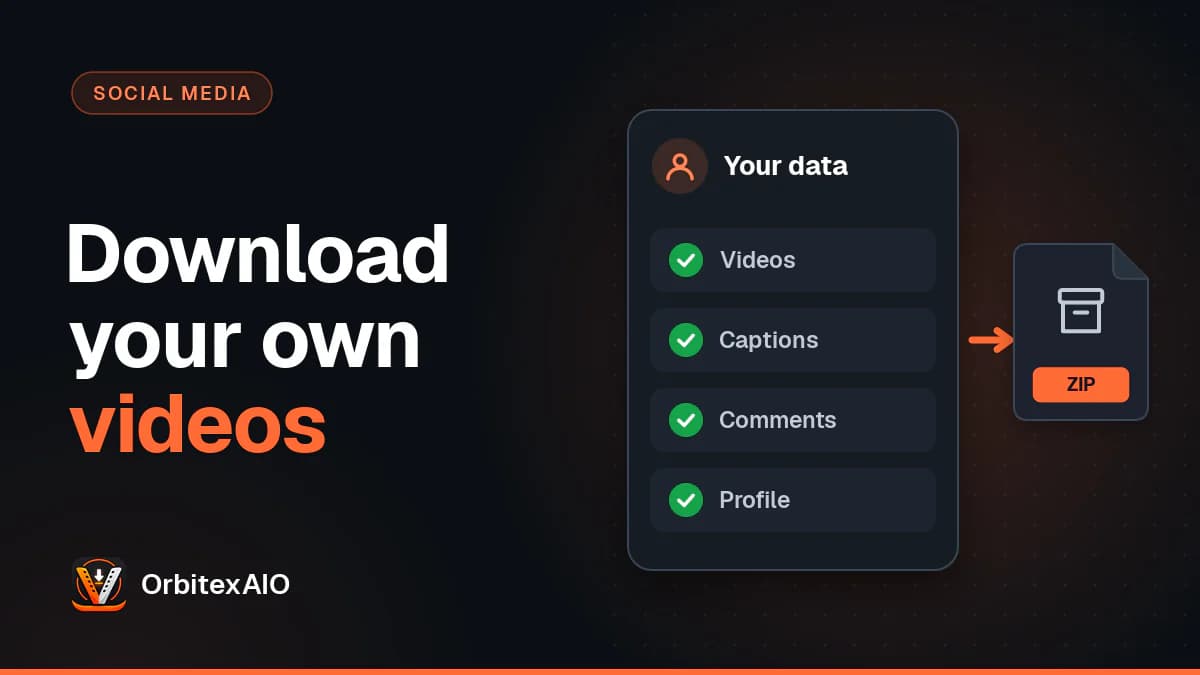
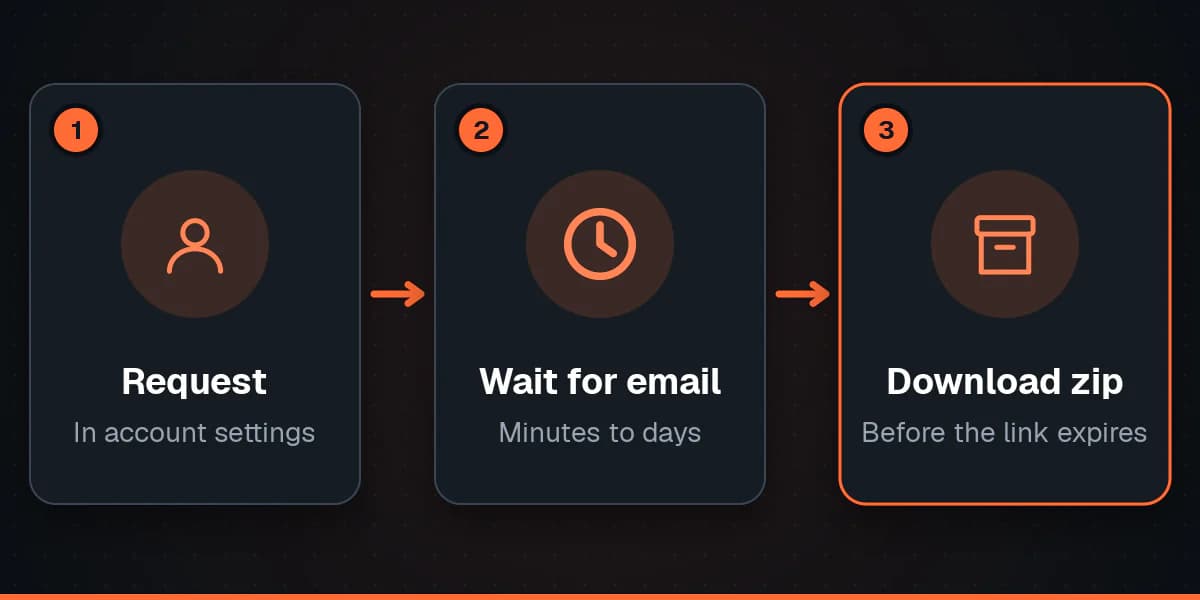
Every large platform has a data download tool, usually buried in account settings under a name like Download your information, Download your data, or Download an archive. You request an export, wait, and get an email with a link to a zip file.
What this gets you is everything at once: your videos, plus captions, comments, upload dates and other metadata a per-video download will not include. What it costs you is time. Requests can take anywhere from a few minutes to a few days depending on how much you have posted, and the download link expires, so do not ignore the email for a week.
Note: Note
Menu names and locations change often. Search your platform's help centre for "download your data" rather than following a step-by-step guide that may be out of date.
When you only want one video
A full export is a lot of machinery for a single clip. Several platforms let creators save their own posts directly - a Save or Download option in the menu on your own video, which writes the file to your camera roll. Where that exists it is the fastest route by far.
Be aware of two things about files saved this way. They are frequently watermarked with the platform logo and your handle, and they are the compressed version the platform produced, not the file you uploaded. For re-posting that is usually fine. For re-editing it is not.
Why the file you get back is smaller
Almost every platform re-encodes video on upload to keep playback fast, and many mobile apps compress the file a second time before it even leaves your phone. That means the copy you retrieve months later has been through at least one round of quality loss, sometimes two, and no download can undo it.
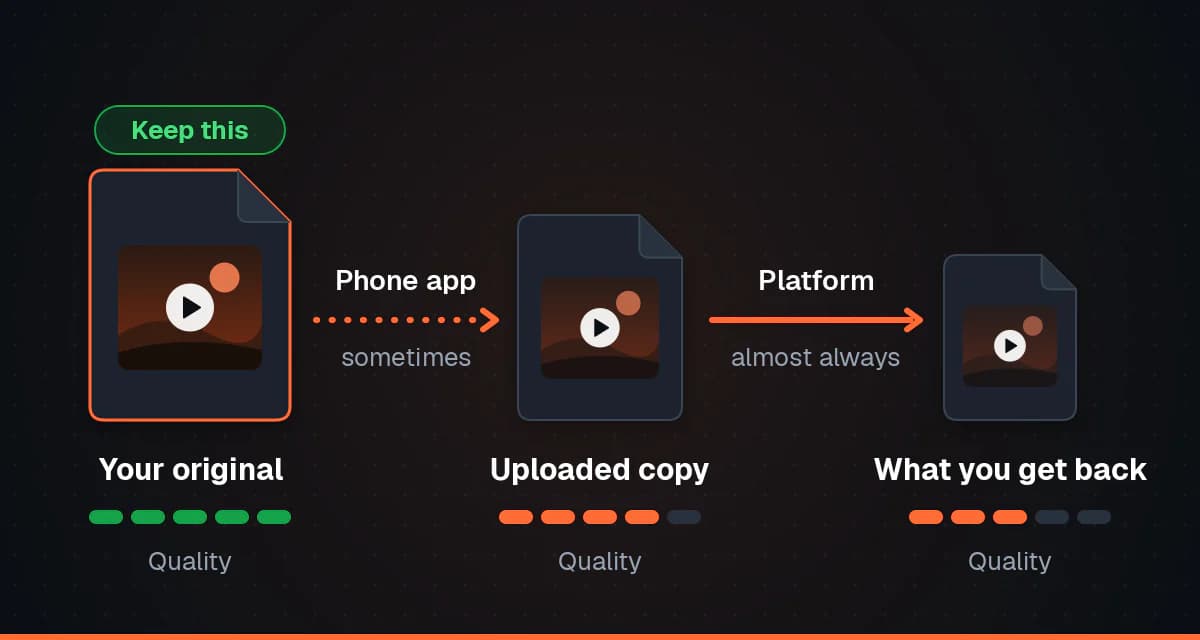
The practical conclusion is boring but worth repeating: keep your originals. A folder of the files you actually exported from your editor, backed up somewhere, is worth more than any recovery method.
Before you delete or deactivate
Request your export first and confirm it downloaded and opens. Deletion is usually irreversible after a grace period, and support teams generally cannot retrieve content from a closed account.
- Request the export while the account is still fully active.
- Open the zip and check the videos actually play before going any further.
- Note anything the export leaves out - drafts and unpublished content often are not included.
- Keep a copy somewhere other than the device you requested it from.
One thing your own video may not include
You own what you filmed, but not necessarily everything in it. Music added from a platform's in-app library is usually licensed for use on that platform only, so a track that is fine in the app may not be cleared once you re-upload the same video somewhere else.
Warning: Important
This applies only to content you posted yourself. Downloading someone else's video needs their permission, whatever route you take to get the file.