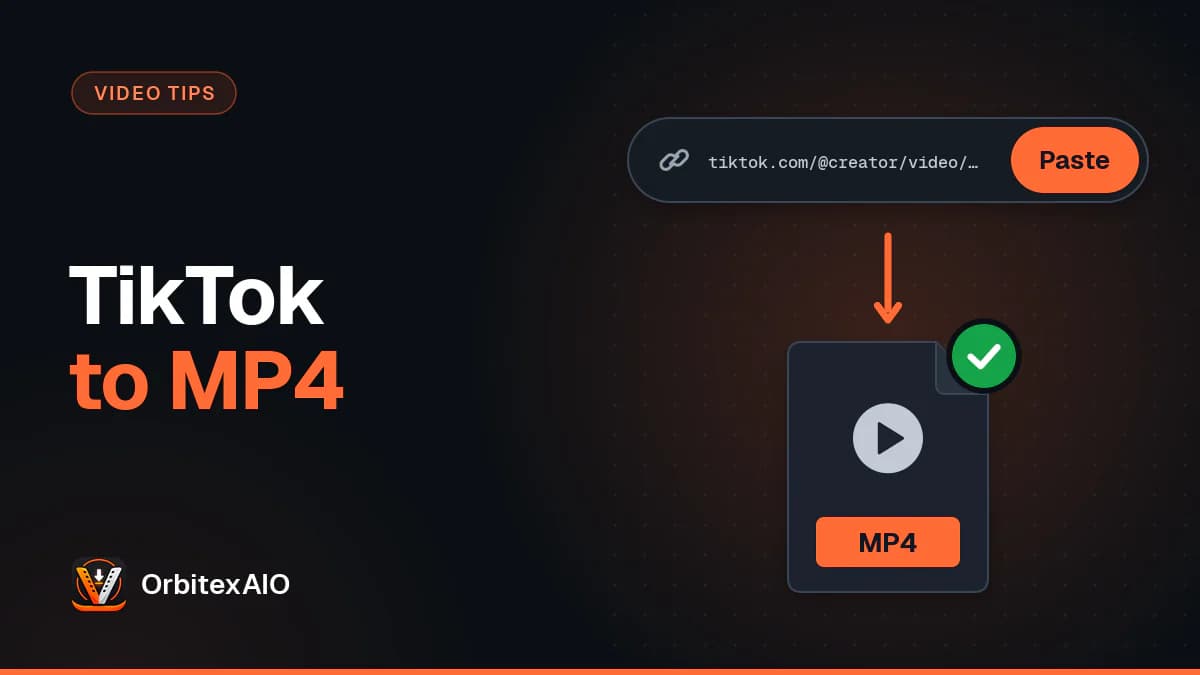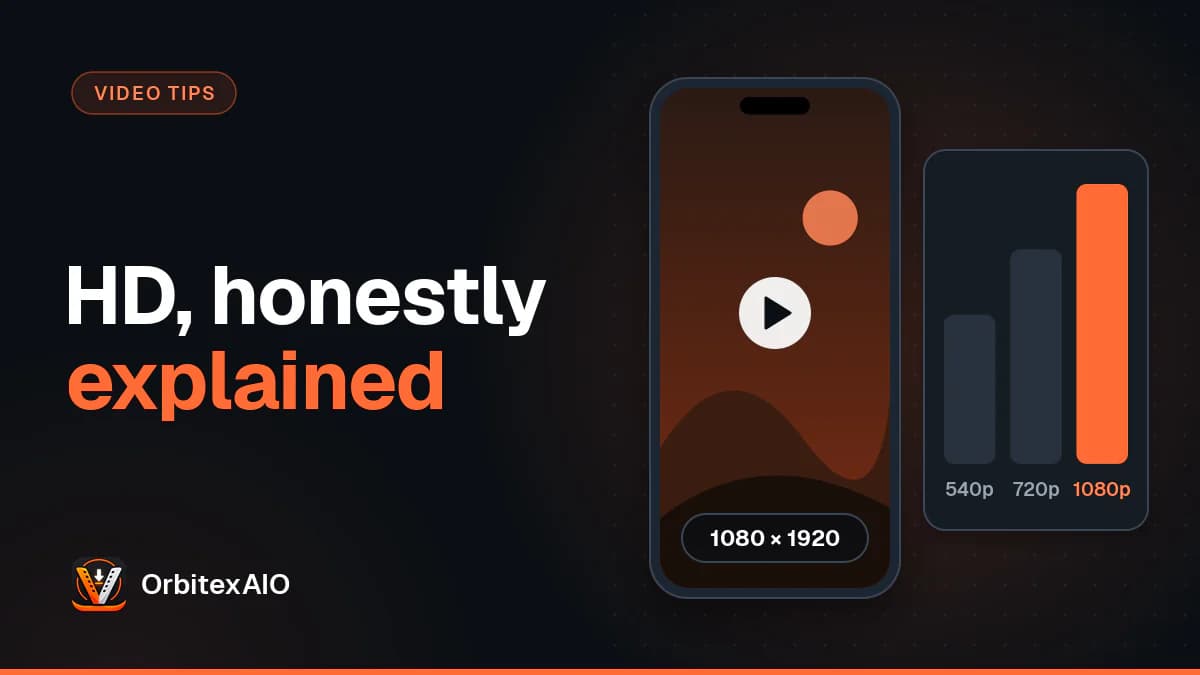
A TikTok video downloader in HD can only hand you the best copy TikTok itself stores and serves. For most videos that is typically a 1080 by 1920 vertical file or lower, compressed by TikTok after upload, and no downloader can add detail that was never kept. So the real question is not which tool promises the biggest number, but how to get the cleanest rendition that actually exists.
Quick answer
- Copy the video link from the Share arrow in TikTok (a short vm.tiktok.com or vt.tiktok.com link is fine).
- Paste it into our TikTok downloader in any browser, on a phone or a computer.
- Pick the HD option. It is the higher bitrate rendition TikTok serves, without the watermark, and it shows its real file size.
- Ignore anything that promises 4K from TikTok. TikTok does not typically store 4K, so a "4K" file has been stretched, not sharpened.
- If the HD copy still looks soft, the limit is almost always the upload itself, not the download.
What "HD" means on TikTok
On a TV box or a streaming service, HD usually means a pixel count: 720p or 1080p. On TikTok the word is looser. When a video is uploaded, TikTok re-encodes it into more than one version so it can play smoothly on fast and slow connections. The version with more data per second is the one people call HD. The lighter one is often called Standard.
Two things decide how good a version looks. Resolution is how many pixels the frame has. Bitrate is how much data is spent describing those pixels each second. A 1080p file with a very low bitrate can look worse than a 720p file with a generous one, because fine detail turns into smudges when the encoder runs out of data. On TikTok, the difference between the HD and Standard renditions is mostly a difference in bitrate, and bitrate is what you see.
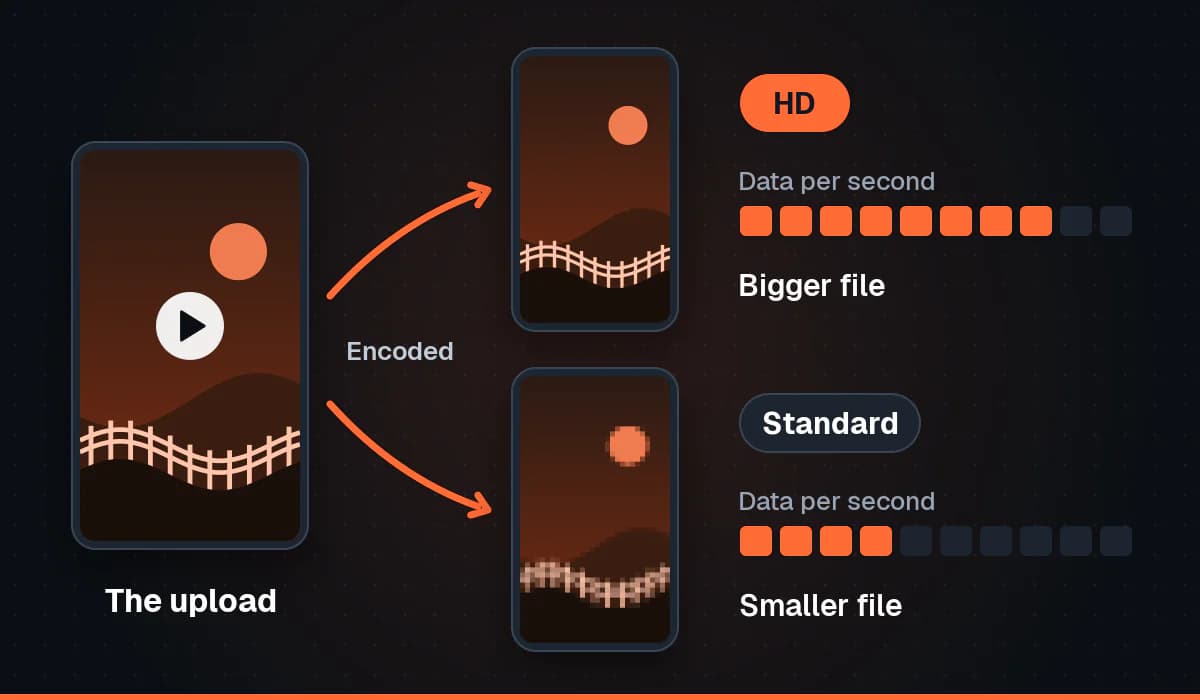
Here is something we say plainly because it matters for trust. The resolver our TikTok downloads rely on reports no width, no height and no resolution for a video. It reports an HD rendition and a Standard rendition, each with an exact file size that we checked against TikTok's own servers byte for byte. So our tool labels them HD and Standard and shows their sizes, and it never prints a pixel count for TikTok. Guessing "1080p" from the word HD would be inventing a number, and a wrong number on a download button reads like a fact.
Note: Note
Typically TikTok plays and stores video at up to 1080 by 1920 pixels. Sources and app versions vary, and some videos are stored lower than that, so treat 1080p as a ceiling rather than a promise.
Why 4K TikTok downloaders cannot deliver 4K
Search for a TikTok video downloader in 4K and you will find tools offering exactly that. The problem is what TikTok keeps. If a creator films in 4K and uploads it, TikTok typically scales it down to its own maximum before anyone watches it. The 4K original stays on the creator's phone. What sits on TikTok's servers is the smaller, recompressed version, and that is the only thing any downloader can reach.
So where does a "4K" file come from? From upscaling. The tool downloads the normal file and then resizes every frame to a bigger canvas, filling in the new pixels by averaging or by guessing from the pixels around them. Think of photocopying a small photo onto a poster sized sheet. The sheet is bigger, but the photocopier cannot see details the small photo never had. Faces do not gain pores, and blurry text does not become readable.
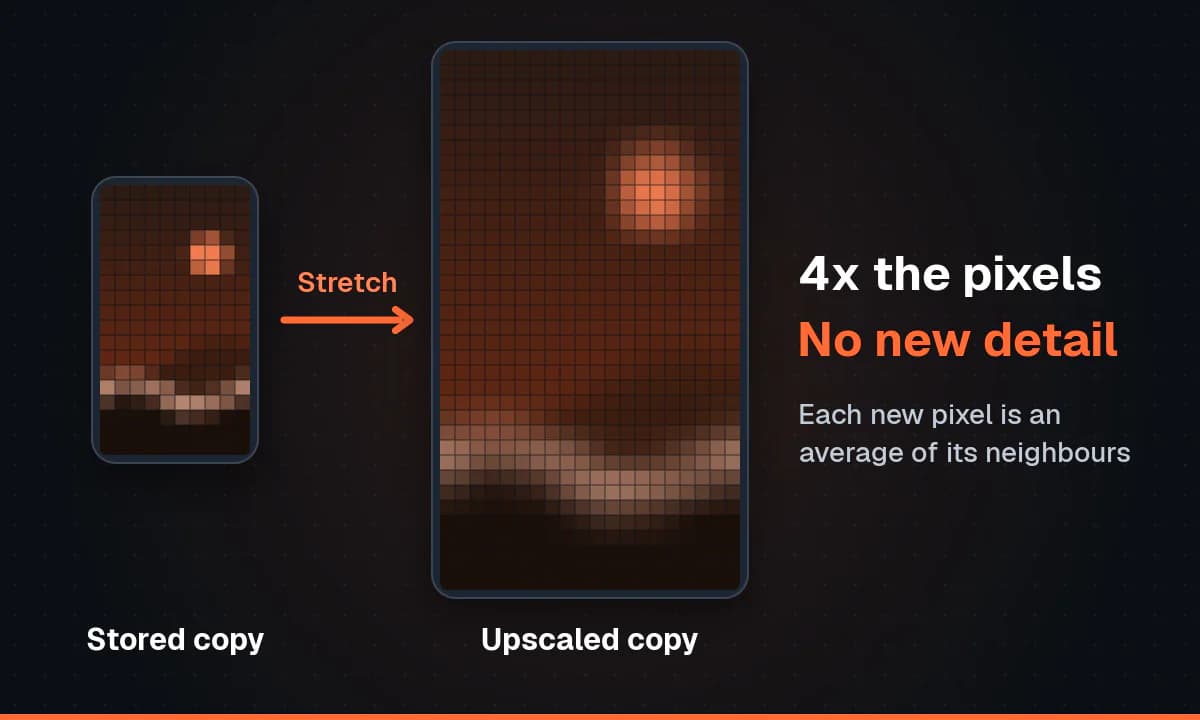
Upscaling changes two things, neither in your favour. The file gets much larger, and the tool has to encode the video again, adding a new round of compression on top of TikTok's. At best you get the same picture in a heavier file. AI upscalers can make edges look crisper, but what they add is invented detail, not recovered detail.
This is the same rule that explains why some videos have no 1080p option at all: platforms build their quality versions at or below what was uploaded, and nothing downstream can climb above that. Our tool does not re-encode or upscale anything. You get the file TikTok serves, at the size TikTok serves it.
What decides the quality you can download
By the time you paste a link, the quality of the best copy has already been decided by a chain of steps. Each one can only keep or lose detail, never add it.
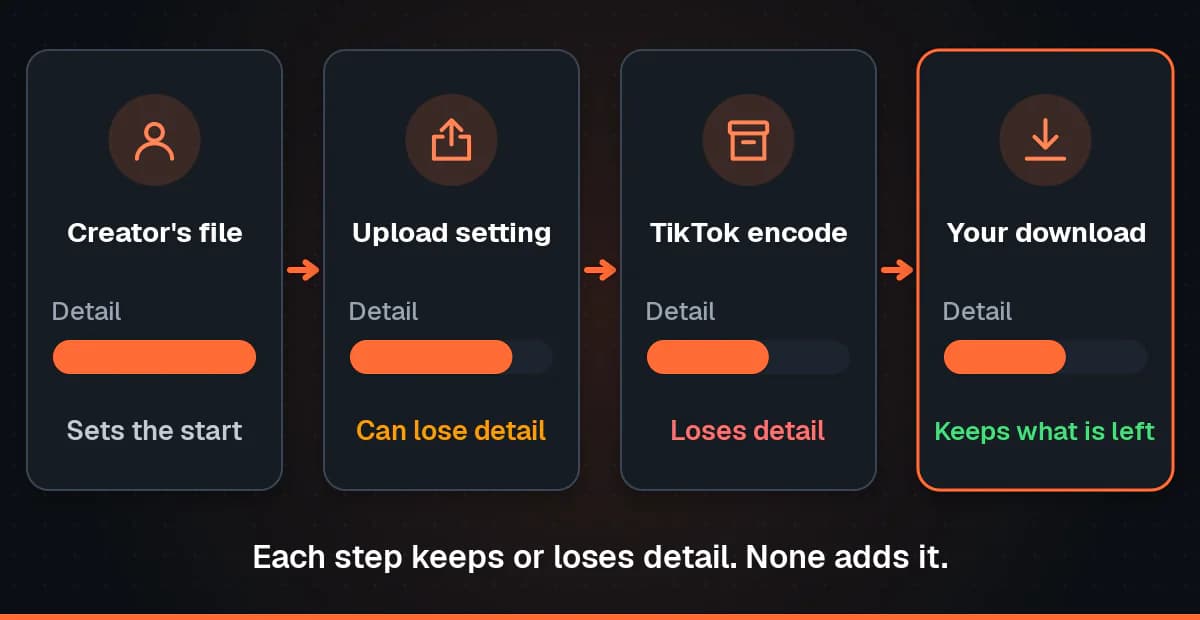
The creator's original file
Everything starts with what the creator recorded. A clip filmed in dim light or zoomed digitally carries noise and softness from the start, and a reposted video may be on its third round of compression before TikTok touches it.
The upload quality setting
The TikTok app has an option on the posting screen, under More options, that lets a creator send a higher quality file. Depending on the app version it is labelled something like Upload HD or Allow high-quality uploads. When it is off, the app can shrink the video on the phone before it is sent, to save time and data. A creator who never turned it on may have uploaded a lower quality file than the one in their camera roll, and every downloaded copy inherits that.
TikTok's own recompression
Whatever arrives, TikTok encodes it again to serve it to a very large audience cheaply and quickly. This step is not optional and nobody outside TikTok controls it. It is the main reason a TikTok download is smaller than the file the creator exported, and the reason fast motion, confetti and dark scenes tend to look blocky.
The data saver
TikTok has a Data Saver setting, found in the app's settings under the cache and cellular section. With it on, the app favours lighter versions of videos while you scroll. That changes what you see in the app, which is why a video can look soft on your phone and clearer once downloaded. It does not change what TikTok stores.
The age of the video
Older TikToks were made with older phones, older app settings and older encoding rules. A video from several years ago may simply never have had a high quality version, and TikTok does not go back and improve old encodes. Some older posts only come back with a single rendition.
File size as a rough signal
Because we cannot show a pixel count for TikTok, file size is the most useful clue we can give. For the same video, more megabytes usually means more bitrate and more preserved detail. It is a rough signal, not a guarantee, but when HD is clearly bigger than Standard, HD kept more.
Step by step: get the best copy that exists
- Open the video in TikTok and tap the Share arrow, then Copy link. On a computer you can copy the address bar instead. If you are not sure which link is which, finding a TikTok video URL covers both forms.
- Open the TikTok page of our downloader in any browser. No app or account is needed.
- Paste the link and start the lookup. Short links and full URLs both work, and pasting the whole share message is fine.
- Compare the options. You will normally see HD and Standard, both without the watermark, each with its real size, plus an MP3 of the audio.
- Choose HD unless you need a smaller file for sending over a slow connection. If the two sizes are close, either will look much the same.
- Save the MP4. On a phone it lands in your downloads first. The guide on saving a TikTok download on an iPhone covers moving it into Photos.
- Play it on the device you care about before deleting anything. If it looks soft, check the troubleshooting section below before trying another tool.
If you plan to edit the clip, keep it as the MP4 you downloaded rather than converting it. Every conversion is another round of compression, and our TikTok to MP4 guide explains why the file is already in the most compatible format.
For creators: upload so your videos can be saved in higher quality
If you want your own TikToks to look good when you, or someone you gave permission to, save them later, the work happens before you press Post. Nothing afterwards can fix a weak upload.
- Film at a good resolution in good light. Light does more for detail than any setting. Avoid digital zoom.
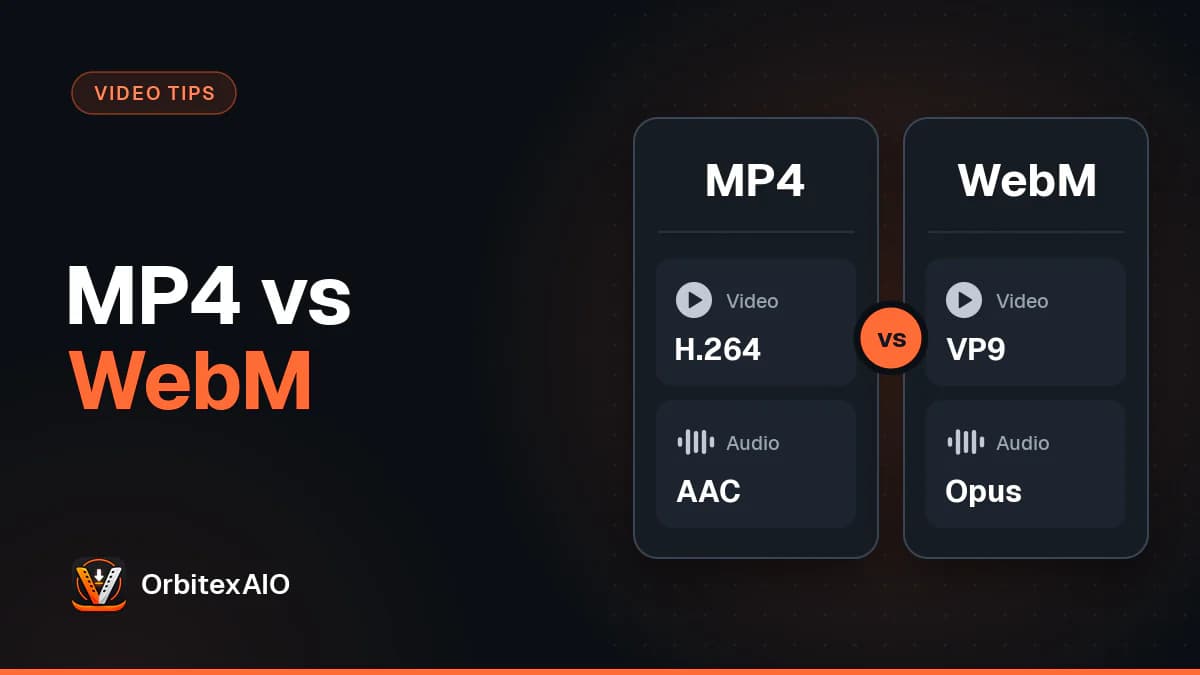
- Export at TikTok's native shape. A vertical 9:16 frame, typically 1080 by 1920, in MP4 with H.264 video. Exporting bigger does not help, because TikTok scales it down anyway.
- Turn on the high quality upload option under More options on the posting screen, if your app shows it. It may not appear for every file.
- Turn off Data Saver before you upload, and upload on Wi-Fi where you can.
- Upload the exported file directly rather than a screen recording of it or a copy that went through a messaging app, which compress video again.
- Keep your originals. A TikTok download is always TikTok's copy, not your master file. Getting your own videos back from each platform is possible, but a backup of the exported file is better.
HD, Standard, Save video, screen recording and 4K compared
| Method | Real detail | Watermark | File size | Is the label honest? |
|---|---|---|---|---|
| HD rendition from our tool | The best copy TikTok serves for that video | No, unless TikTok only has a watermarked copy, which we label | Largest of the real options, shown before you save | Yes. Called HD because the resolver calls it HD, no pixel count claimed |
| Standard rendition from our tool | Same frame, lower bitrate, so a little less fine detail | No | Smaller, shown before you save | Yes |
| TikTok's in-app Save video | A compressed copy, often similar to Standard | Yes, with the creator's username | Varies | Yes, it does not claim a quality |
| Screen recording | The worst: limited to your screen, the app's playback quality and a second encode | Captures whatever is on screen, including buttons and captions | Often large for what it holds | Not a download, just a copy of the display |
| "4K" upscaled file | No more than the source, sometimes a little less | Depends on the source used | Much larger for no gain | No. The pixels are added, the detail is not |
Troubleshooting TikTok HD downloads
The HD download looks blurry
Compare it with the same video in the TikTok app, with Data Saver off, on the same screen. If it looks the same, the blur came from the upload: low light, a low quality upload setting, or a reposted copy. No other tool will do better.
The HD and Standard sizes are almost the same
That happens when TikTok had little extra detail to keep, for example with a simple, static or already compressed video. Both renditions end up close in bitrate, so they look nearly identical. Pick either one. The sizes we show are real numbers, so a small gap is telling you the truth about the video.
Only Standard is offered
Sometimes TikTok serves only one clean rendition for a video, often an older or low quality upload. We show what exists rather than a duplicate button with a different name. Trying again a few minutes after a video was posted can help, since the higher version may still be processing.
Only a watermarked copy exists
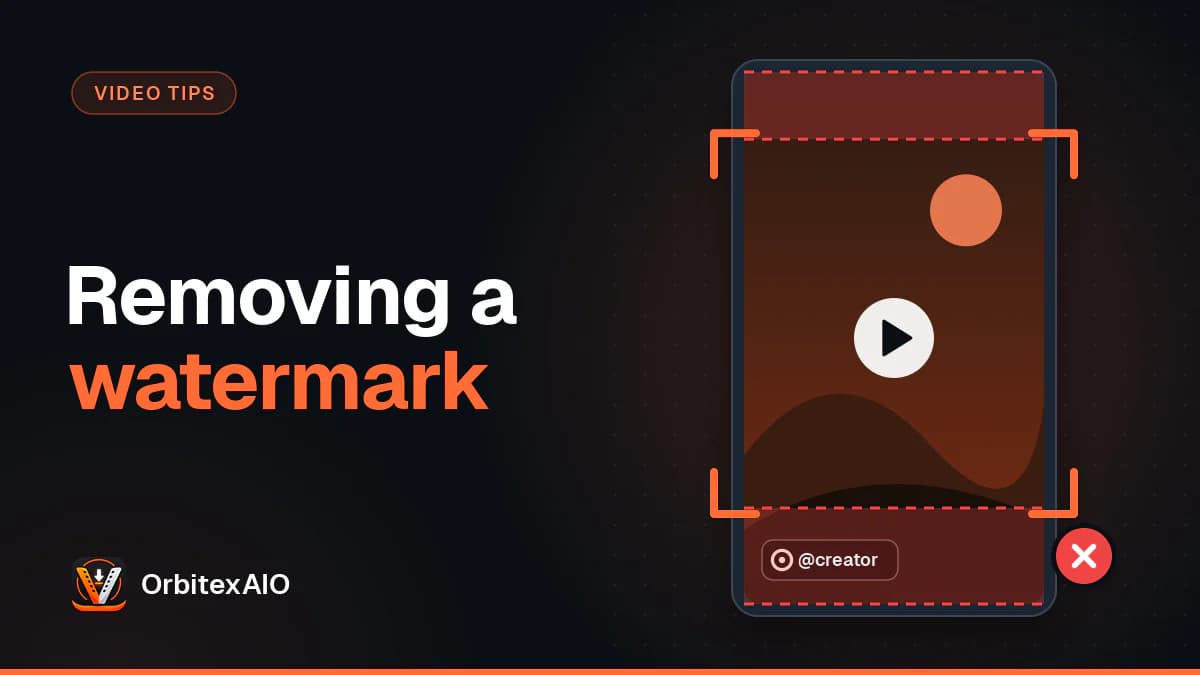
Occasionally the clean versions are not available and TikTok serves only the copy with the watermark. In that case our tool still offers it, clearly labelled as watermarked, instead of pretending it is clean. The picture underneath is the same video; the stamp is simply part of the file.
Old videos look worse
They usually are worse at the source. Phones, the app and TikTok's encoding have all changed over the years, and TikTok does not re-encode old posts at higher quality. A downloader gets the old encode as it was stored.
A few things fail for other reasons. Photo-mode slideshows, live broadcasts, and private, friends-only or login restricted videos are not supported, because there is either no video file or no public one to fetch. For anything else, the step by step walkthrough of the tool explains what happens between pasting a link and getting a file.
Warning: Important
HD or not, the same rule applies. Only download media you own or have permission to use, and credit the creator when you share. A creator who turned off downloads has made a choice worth respecting.
Frequently asked questions
Can I download a TikTok video in 4K?
Not a real one. TikTok typically stores video at up to 1080p, even when the creator uploaded 4K. A tool offering 4K is upscaling the smaller file, which makes it bigger without making it sharper.
Is the HD option always 1080p?
No, and we do not claim it is. HD is the higher bitrate rendition TikTok serves for that video. Its resolution depends on what was uploaded and how TikTok encoded it, and the resolver does not report a pixel count, so we show the file size instead.
Is the HD download free of the watermark?
Yes, both HD and Standard come without the TikTok watermark whenever TikTok serves the clean versions. If only a watermarked copy exists, it is offered and labelled as such.
Do I need an app or an account?
No. It runs in the browser on phones and computers, with no sign up.
Why does the download look sharper than the app?
Usually because the app was showing you a lighter version, especially with Data Saver on or a weak connection. The HD download is the higher bitrate rendition, so it can look cleaner than what you saw while scrolling.
Should I upscale the file myself?
Only if an editing project needs a larger frame to match other footage. It will not add real detail, and it adds another encode. For watching or reposting, keep the original download.
Is screen recording a good alternative?
It is the weakest option. You capture the app's playback quality, your screen's limits, any buttons on screen, and then your phone compresses it again. A proper download of the HD rendition is better in every way that shows.
The honest version of HD
The best TikTok HD download is not the one with the biggest number on the button. It is the highest bitrate copy TikTok actually stores, saved without the watermark and without being stretched or re-encoded. That is what we built the tool to hand you, with real file sizes and labels we can stand behind. Paste a link into the TikTok video downloader in HD to see what exists for your video, or browse the other platforms we support.